Here is my latest version of my Character Walk cycle:
Showing posts with label Animation Principles Portfolio 40%. Show all posts
Showing posts with label Animation Principles Portfolio 40%. Show all posts
Thursday, 22 November 2018

Wednesday, 21 November 2018
Study Task 3 - Stop Motion - Armatures
The Action of Batting a Ball:
Batting a Ball work on Timing:
Action of Kicking a Ball:
Kicking a Ball work on Timing:
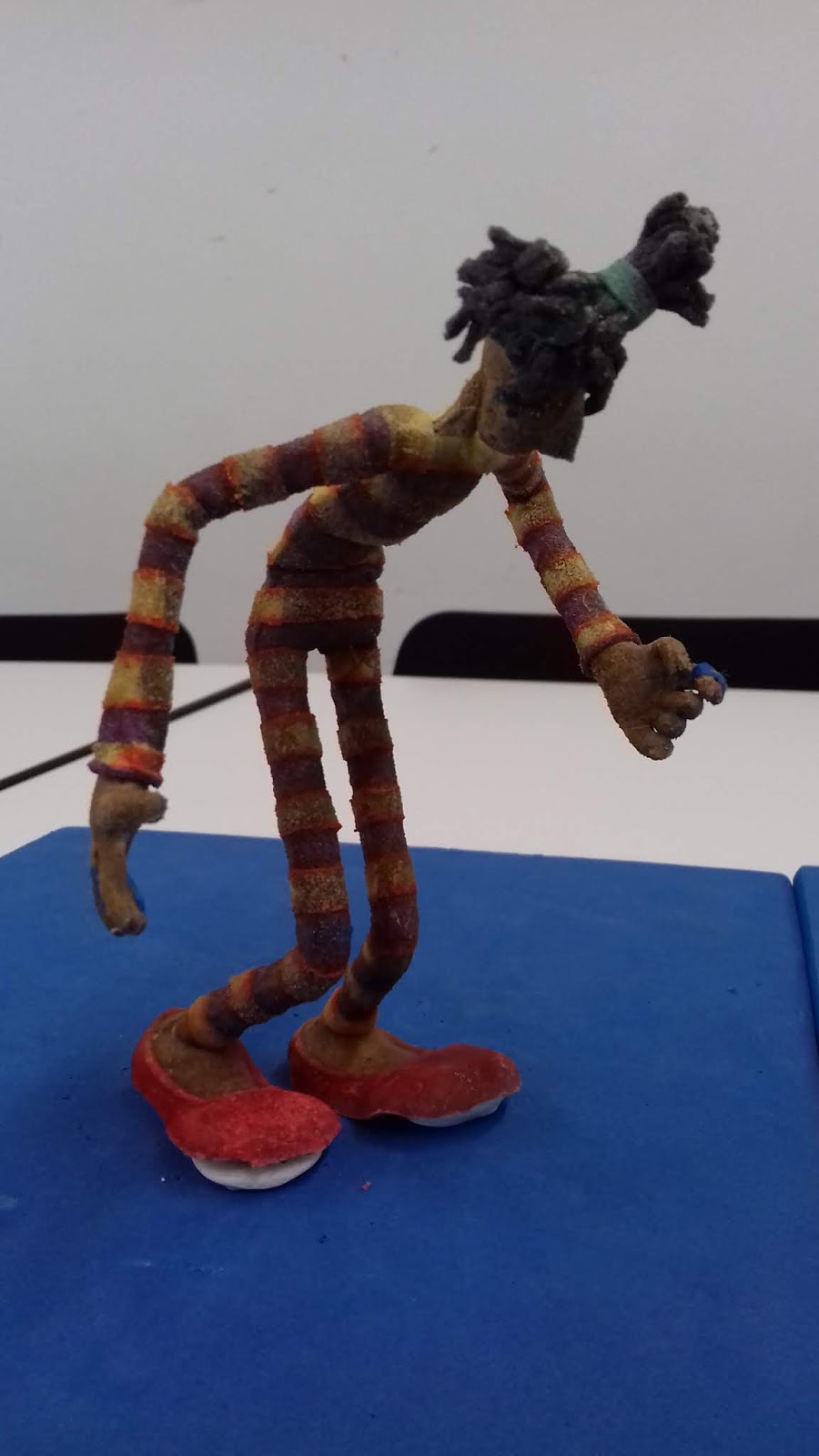
Study Task 4 - Stop motion - Armature Walk Cycles
Today I worked on the blocking for the Armature Walk Cycle and the Variation of a walk - Sneaking. Here are the results:
Walk Cycle:
Sneaking:
Reference Footage for Sneaking - Study Task 4
Here is a video of me attempting to sneak as a variation of walking for this Study Task:
Monday, 19 November 2018
Sunday, 18 November 2018
Thursday, 8 November 2018
Study Task 4 - 3D - 'Walk the Line'
In the 3D animation session today, I was given the final Study Task of making the character provided do a walk cycle. Today we were given time to get used to the character controls and I made this short play blast video to show my work from today.
Stepped Video:
I will start the walk cycle properly once I have shot some footage of myself walking which I can then use for reference footage on Maya.
Stepped Video:
Unstepped Video:
I will start the walk cycle properly once I have shot some footage of myself walking which I can then use for reference footage on Maya.
Tuesday, 6 November 2018
Study Task 3 - Character Walk Cycle
Here is my accountant character walk cycle before and after I made improvements:
Before:
After, in which I realised that I needed to align his legs:
Thursday, 1 November 2018
Study Task 3 - 3D - 'Hail to the Tail'
In todays 3D animation lesson, I added the ears and tail back onto my sphere on Maya and I spent today animating their movement in order 'inject' character into my sphere. This is my progress so far from today:
Wednesday, 31 October 2018
Study Task 3 - 3D - Timing:
Today I worked on the timing of my 'Hail to the Tail' project and I also added in the key moments where squashing and stretching occurs.
Here is the stepped version based on timing:
Here are the unstepped versions:
Here is the stepped version based on timing:
Here are the unstepped versions:
Thursday, 25 October 2018
Study Task 3 - 3D - 'Hail to the Tail'
Today we were introduced to the Study Task 3 - 'Hail to the Tail', it involves getting a squirrel like character to move across the screen climbing/jumping over the obstacles it faces. The main aim of this task is to inject character into the sphere with a tail and ears character and move it from one side of the scene to the other.
Here is my first attempt at using the stepped setting on the graph editor, in order to plan out the timing of my characters movement. In order to focus on the timing more, I have removed the ears and tail from view:
Here is my first attempt at using the stepped setting on the graph editor, in order to plan out the timing of my characters movement. In order to focus on the timing more, I have removed the ears and tail from view:
My Final Pendulum Videos for Study Task 2 - 3D
I have now finished my videos for study task 2! Here are my results:
1) Standard Pendulum
2) Segmented Pendulum Swinging
1) Standard Pendulum
2) Segmented Pendulum Swinging
3) Segmented Pendulum (accelerating from a standstill and coming to an abrupt halt)
Wednesday, 24 October 2018
Tim Allen Masterclass Workshop
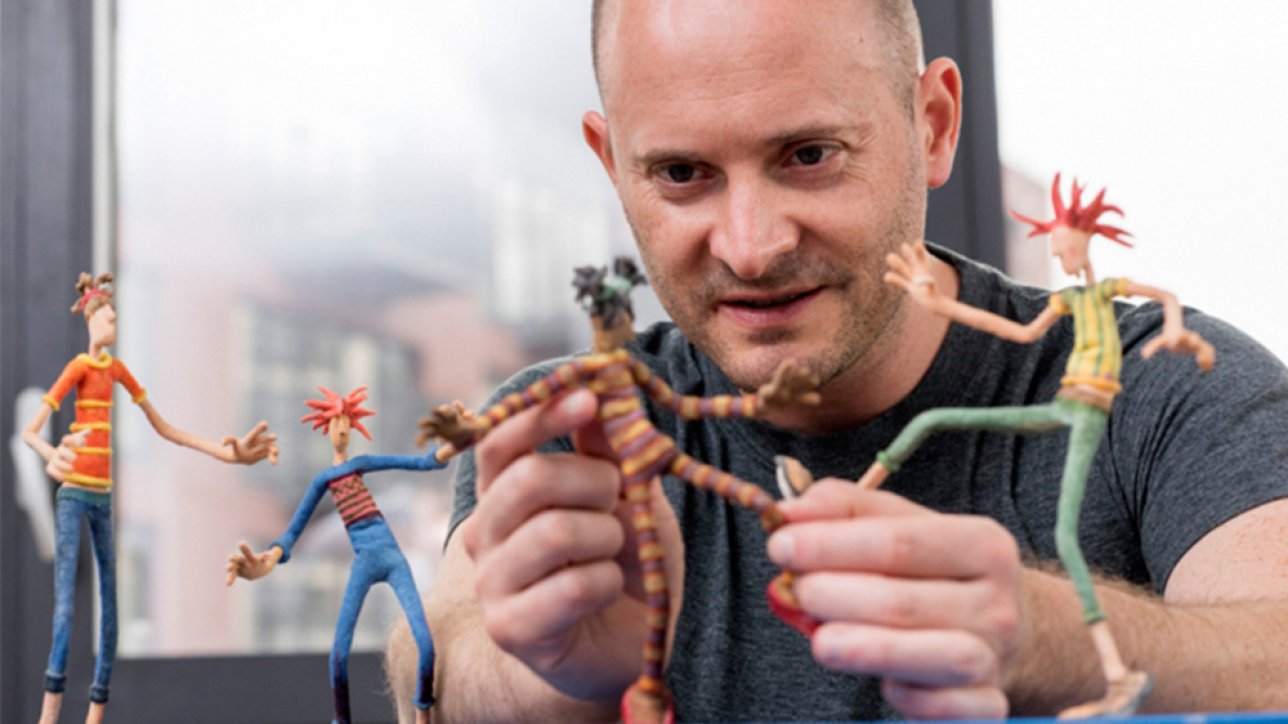
Today I had the amazing opportunity of being taught about body movement in relation to stop motion animation by the Animator Tim Allen who has worked on films such as the 'Corpse Bride' (as shown below) and 'Frankenweenie' :


Today I have learnt that human movement is based on arcs. When the body closes in on itself (the foetal position), your spine curves, your fists clench and your body tenses. Also your face scrunches up, e.g. your pupils go down, you close your mouth and your eyebrows go down.
However when we spread out again, our arms stretch out, our spine straightens and we open up our hands. This body movement is key when thinking about a character closing in on themselves because they are scared and then when they open up their body because either they think the reason to be scared is gone or they have plucked up the courage to face their fears. In addition to this some more key movements that he taught us are that when you torso goes forward, your hips go back and your knees bend. Where as when your torso goes back, your hips go forward.
I thoroughly enjoyed this lesson with Tim as we were even given the chance to use puppets that he had brought with him to create small stop motion clips of body movement. Here are the clips that I created and some photographs from throughout the session:


Today I have learnt that human movement is based on arcs. When the body closes in on itself (the foetal position), your spine curves, your fists clench and your body tenses. Also your face scrunches up, e.g. your pupils go down, you close your mouth and your eyebrows go down.
However when we spread out again, our arms stretch out, our spine straightens and we open up our hands. This body movement is key when thinking about a character closing in on themselves because they are scared and then when they open up their body because either they think the reason to be scared is gone or they have plucked up the courage to face their fears. In addition to this some more key movements that he taught us are that when you torso goes forward, your hips go back and your knees bend. Where as when your torso goes back, your hips go forward.
I thoroughly enjoyed this lesson with Tim as we were even given the chance to use puppets that he had brought with him to create small stop motion clips of body movement. Here are the clips that I created and some photographs from throughout the session:


Study Task 3 - Stop Motion - Armatures
An armature doing the action of throwing a ball:
In the next video the timing was worked on more:
In the next video the timing was worked on more:
Tuesday, 23 October 2018
Thursday, 18 October 2018
Study Task 2 - 3D - 'Swingers'
Today I finished the first draft of my swinging pendulum videos for Study Task 2, I know that in order to improve on the videos below, I need to make the video for my second pendulum longer so that
it plays for a better amount of time and I also need to stretch out the key
frames of my third pendulum, so that it swings in a much smoother motion. Here is my work so far:
Pendulum 1 = A standard Pendulum Swinging
Pendulum 2 = Segmented Pendulum Swinging
Pendulum 1 = A standard Pendulum Swinging
Pendulum 2 = Segmented Pendulum Swinging
Pendulum 3 = Segmented Pendulum (that must accelerate from a standstill and then come to an abrupt halt)
Tuesday, 16 October 2018
Dragon Frame Induction
Today I had an Induction to using Dragon Frame, after being told the health and safety rules, as well as how to safely use the equipment, we were given some time to try animating with some modelling clay. Here are my results!
Subscribe to:
Posts (Atom)